

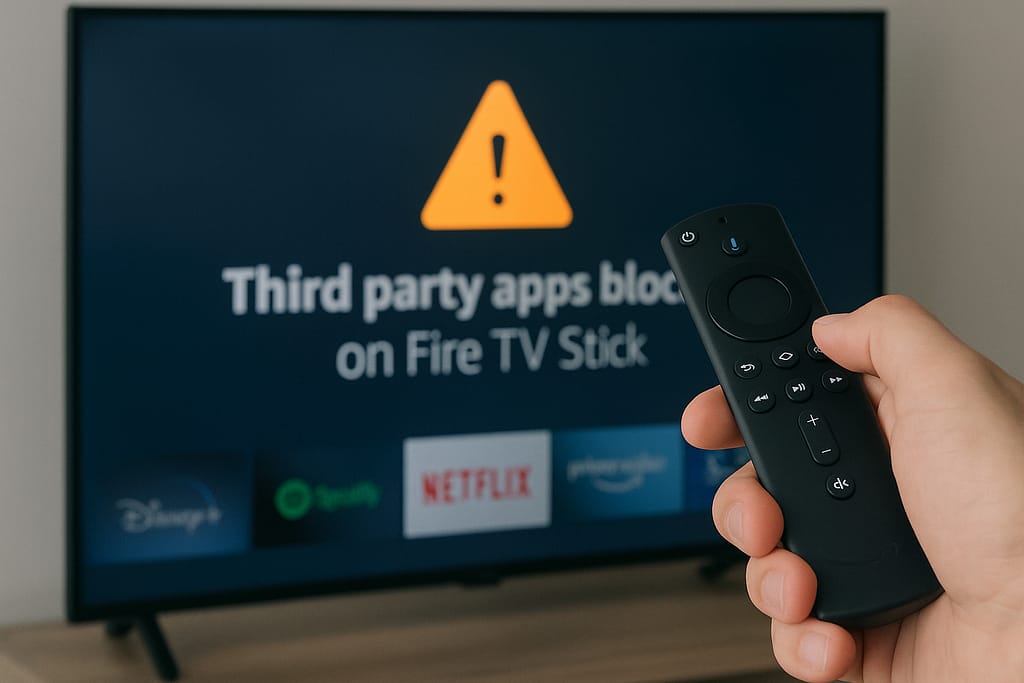
Amazon Firestick third party apps blocked?, you’re not alone. Millions of users have discovered that their favourite streaming apps mysteriously vanish, fail to open, or refuse installation. The good news? There are ways to fix it and restore full functionality to your device without breaking any rules.
This guide covers exactly why this happens, what Amazon is (and isn’t) telling you, and how to safely regain control over your Firestick.
Understanding Why Amazon Firestick Third Party Apps Blocked
Amazon’s Firestick is a powerful streaming device, but it operates under tight control. When users attempt to install apps outside the official Amazon Appstore, the system sometimes flags, restricts, or outright blocks them. The main reasons include:
- Security Policies: Amazon enforces app verification to protect users from malicious APKs.
- Regional Restrictions: Some third-party apps offer content unavailable in your location.
- System Updates: Fire OS updates can reset or limit sideloading permissions.
- Developer Rules: Apps that bypass Amazon’s monetization or data policies may be removed.
Even so, legitimate apps often get caught in the crossfire. If your Firestick suddenly blocks a trusted app, these steps can help.
Step-by-Step Fixes for When Amazon Firestick Third Party Apps Blocked
1. Enable Apps from Unknown Sources
Go to Settings → My Fire TV → Developer Options and toggle on Apps from Unknown Sources. This setting allows manual installation of APKs — a must if your Amazon Firestick third party apps are blocked.
2. Use the Downloader App Safely
Install the Downloader app from the official store. It’s the safest method to sideload apps. TechCrunch has reliable guides on how to use Downloader with verified links.
3. Clear Cache and Data
Sometimes, blocked apps fail because of cached data conflicts. Navigate to Settings → Applications → Manage Installed Applications, select the app, and choose Clear Cache and Clear Data.
4. Check or Enable VPN Settings
Region restrictions often cause this issue. Using a VPN with global servers, like those discussed on BBC Tech, can bypass geo-blocks and restore access to blocked third-party apps.
5. Reinstall the Blocked App
Uninstall the problem app completely, then reinstall it using a clean, verified APK from trusted sites such as APKMirror. This resolves most blocked installation issues.
6. Disable App Verification Temporarily
Some Firestick updates tighten verification checks. Disable app verification under Developer Options, install your trusted app, then re-enable verification for safety.
7. Perform a Factory Reset (Last Resort)
If none of the above works, go to Settings → My Fire TV → Reset to Factory Defaults. This removes all restrictions and glitches but erases your data, so back up important settings first.
Real Case Study: A Firestick User’s Fix
A streaming consultant from Jonathan Summers Consulting reported multiple client Firesticks blocking legitimate IPTV apps after an update. The issue traced back to Amazon’s new policy restricting Downloader permissions. By re-enabling unknown sources and reinstalling Downloader, access was restored in minutes. Users regained access to their verified streaming apps without needing to jailbreak the device.
Helpful Resources and Partner Insights
Jonathan Summers regularly advises users on safe sideloading practices through jonathansummers.com. Partners like AllShareMedia continue to support Firestick owners with verified, global streaming options designed for compliance and security.
Extra Tips for Safe Firestick Use
- Only sideload apps from trusted, verified sources.
- Avoid modified APKs claiming free premium access.
- Keep Fire OS and all apps updated.
- Use strong Wi-Fi security and reputable VPNs.
- Don’t disable app verification permanently.
FAQ About Amazon Firestick Third Party Apps Blocked
Why did Amazon block my third party apps?
Amazon blocks unverified or potentially unsafe apps to protect users. Unfortunately, legitimate apps can be affected by system-wide restrictions.
Is sideloading on Firestick illegal?
No. Sideloading is perfectly legal if you install verified apps and avoid distributing copyrighted content.
Do I need a VPN to use third-party apps?
While not required, a VPN improves privacy and helps access geo-restricted content.
Can I use IPTV apps safely on Firestick?
Yes, as long as the IPTV service follows copyright laws and uses verified servers.
Final Thoughts on Amazon Firestick Third Party Apps Blocked
When your Amazon Firestick third party apps blocked, it’s usually fixable through a few settings tweaks. With these proven methods, you can regain control of your Firestick, keep your system secure, and enjoy unrestricted access to your favourite entertainment platforms.
For continued guidance on secure streaming and verified app installation, explore the latest insights at jonathansummers.com or trusted partner resources from AllShareMedia.